Prompt pack
3D book mockup references and prompts.
Use these blank-book references with your finished cover to make AI render the book as a physical object. The cover still needs human design judgment; this is for staging the cover after it exists.
Example
One cover, three angles
The same cover, rendered as a real book at three angles.
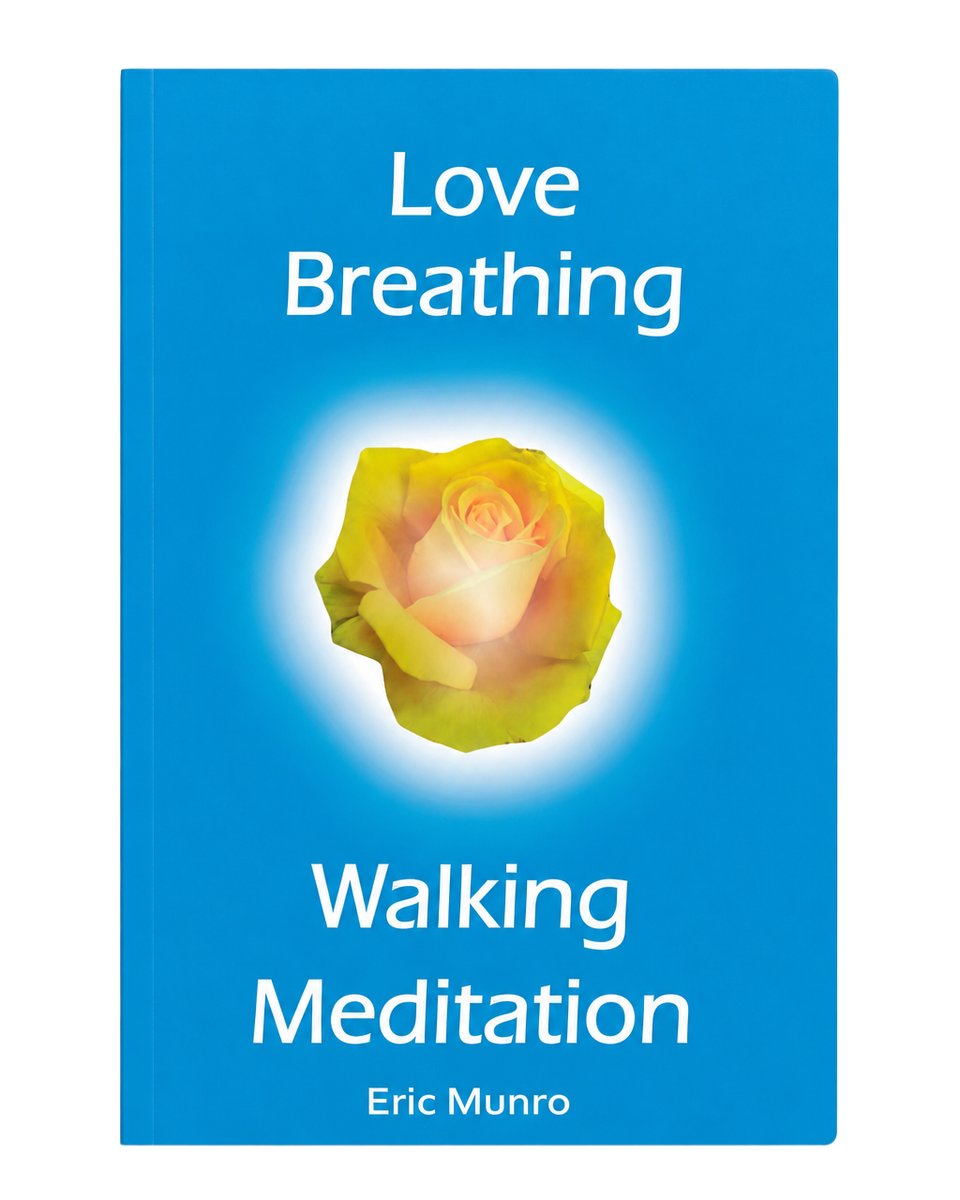
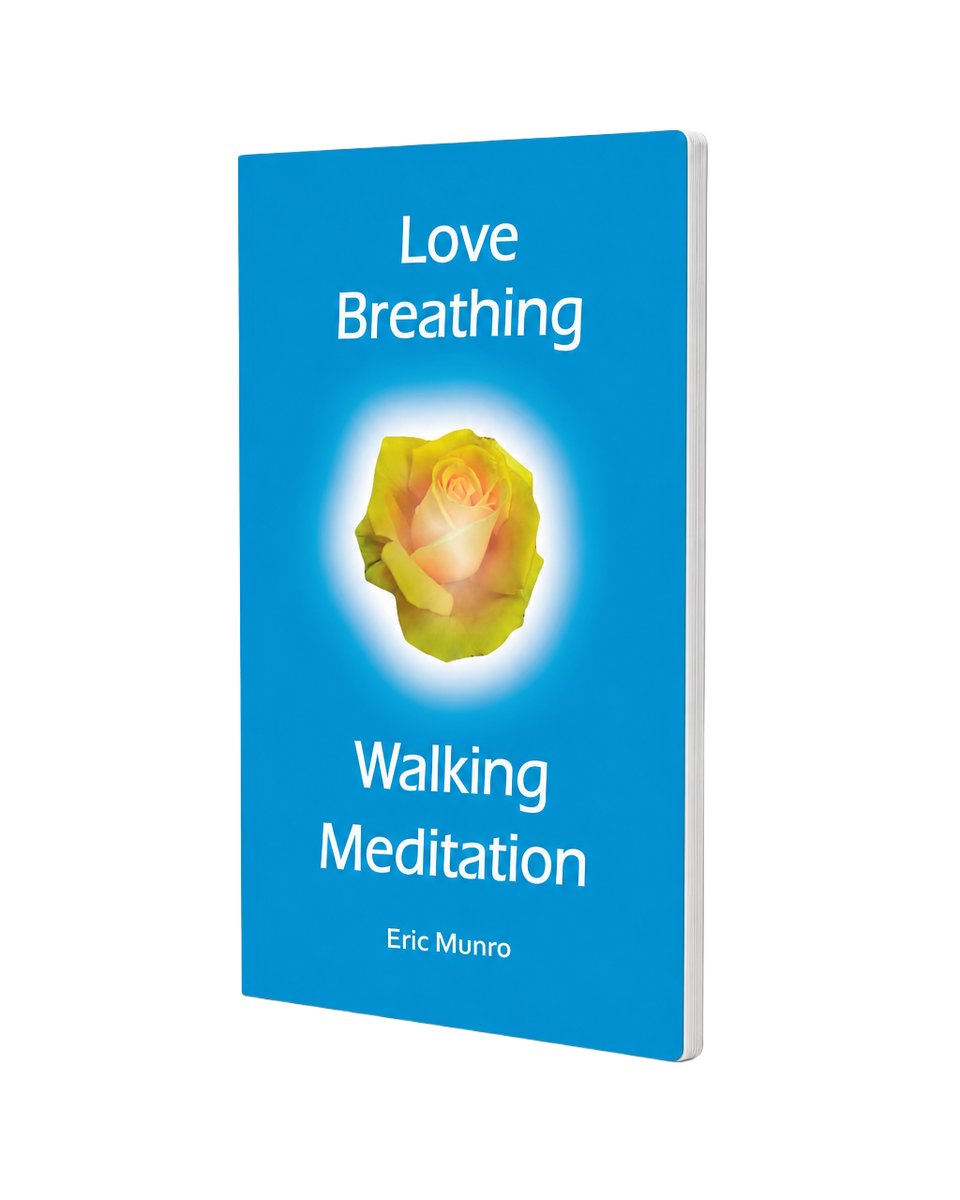
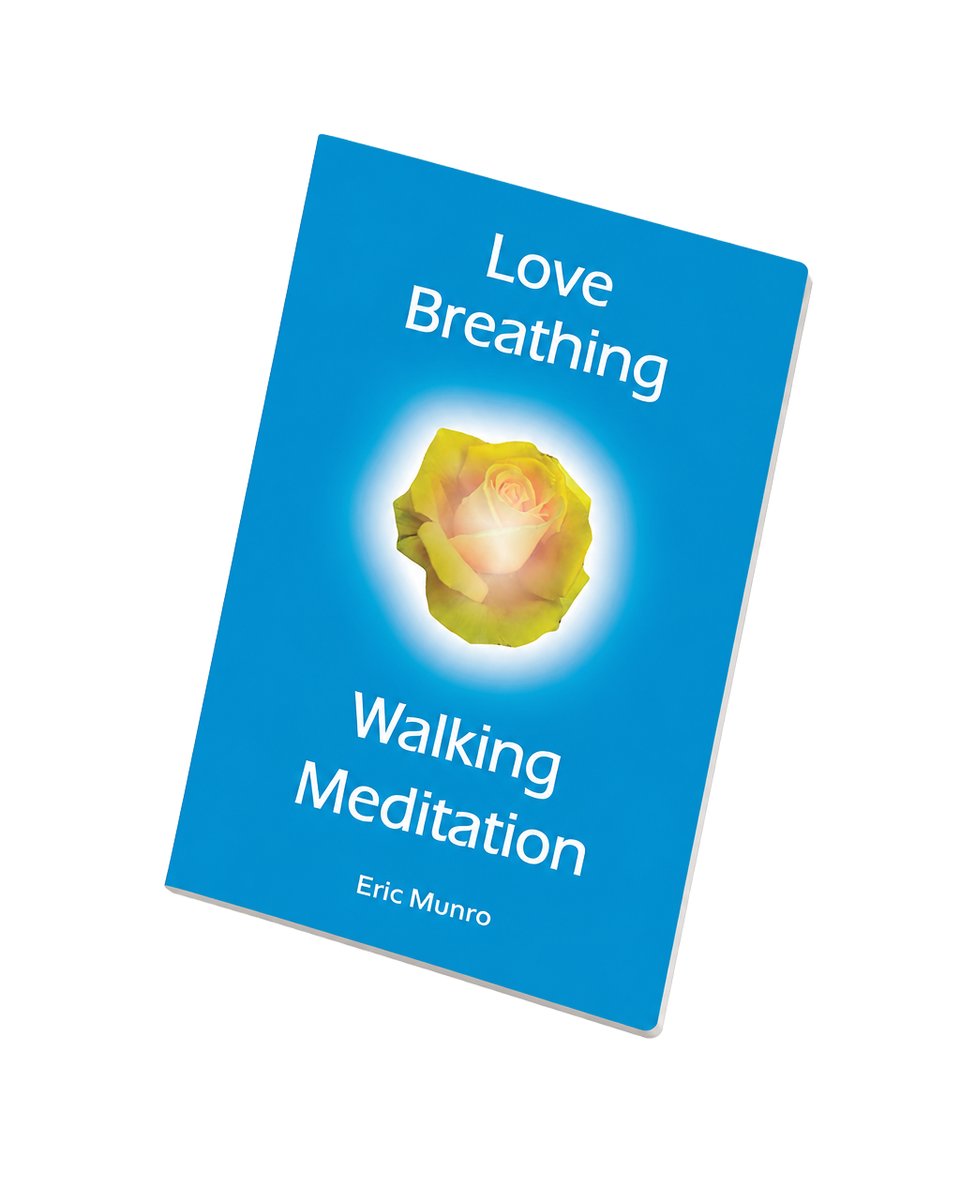
Image 1 · your cover
Start with your finished cover
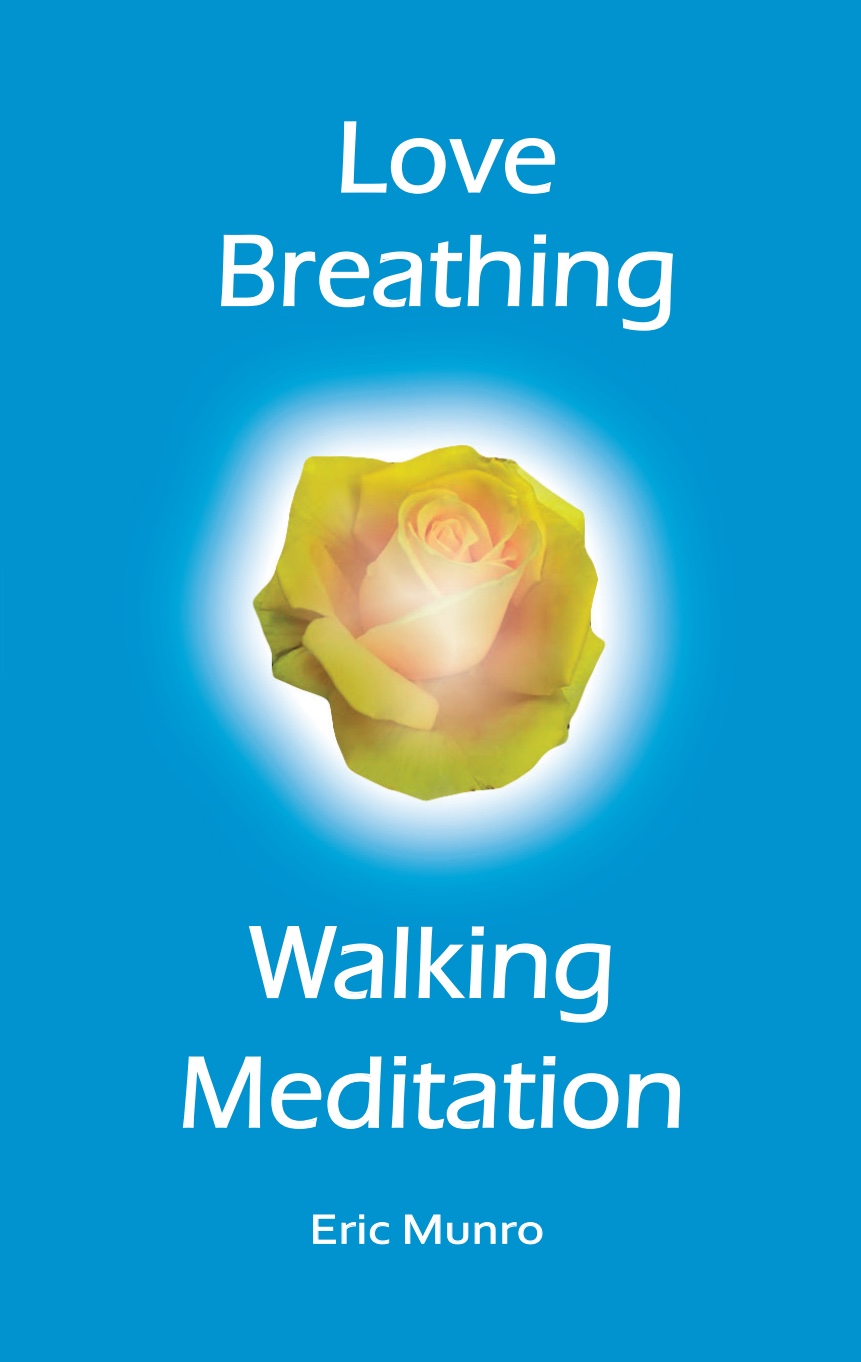
This is the only piece you bring: your finished cover as a flat, front-facing image. Use the highest-resolution file you have — the mockup comes out only as sharp as the cover you feed it.
Image 2 · blank book reference
Pick the thickness
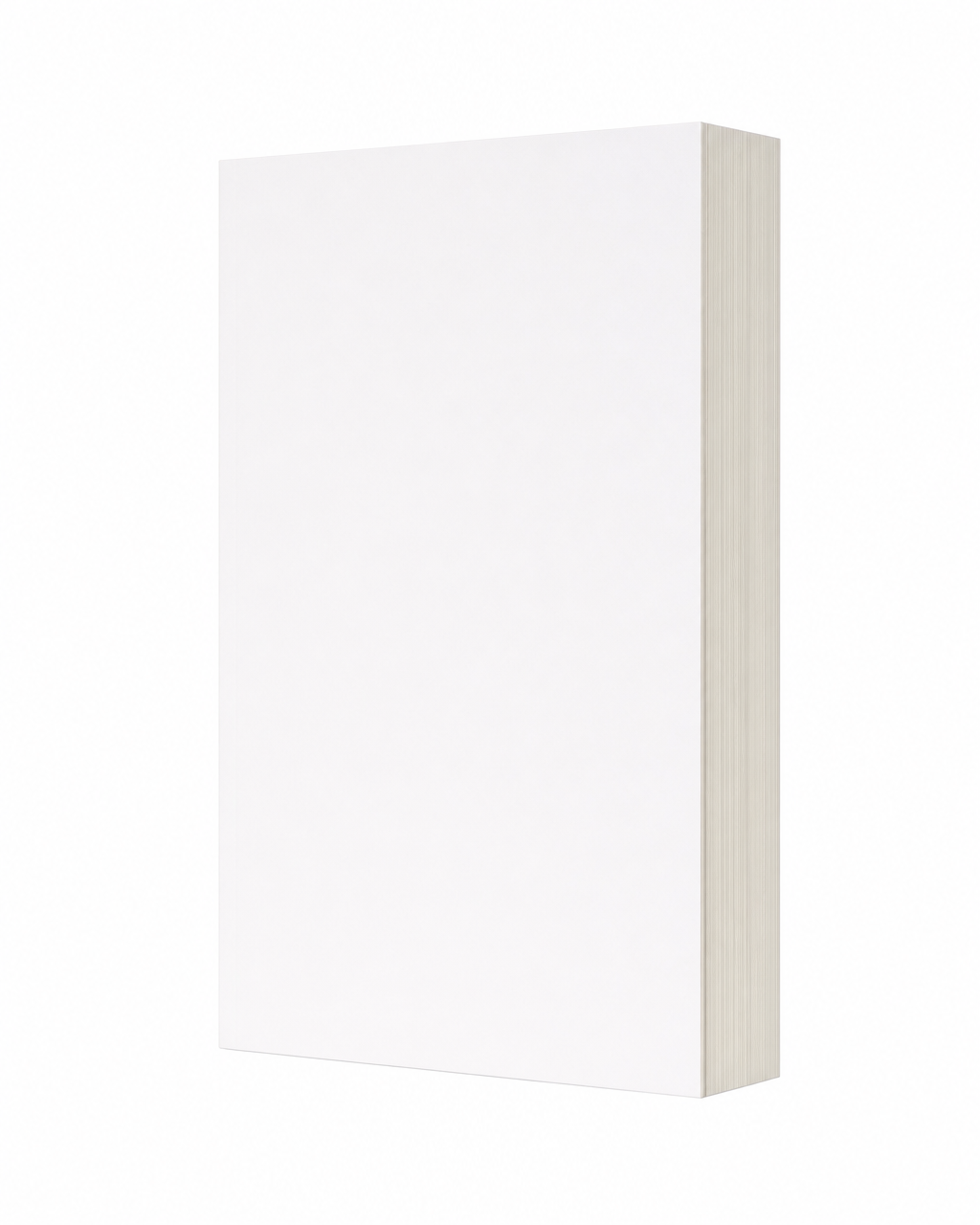
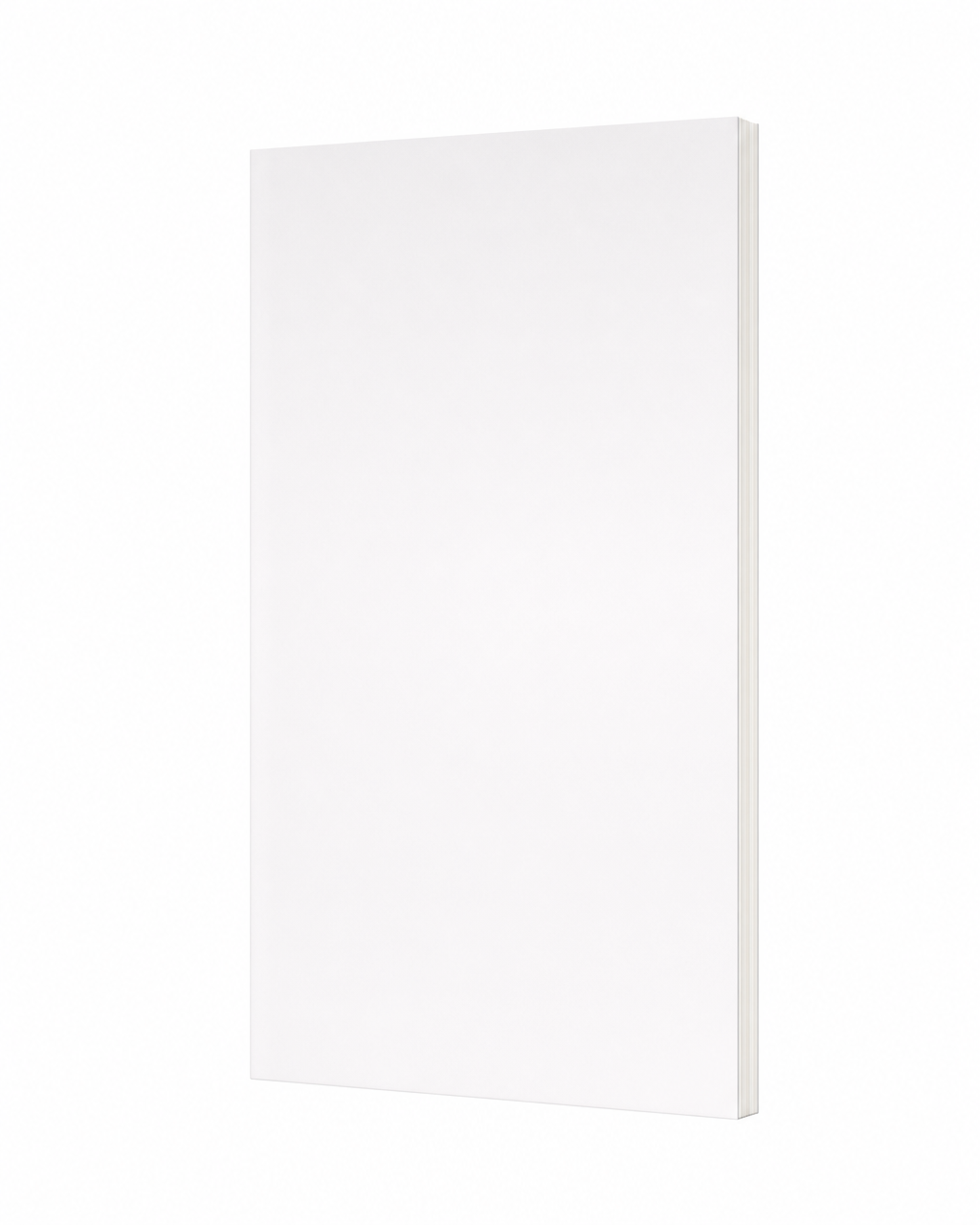
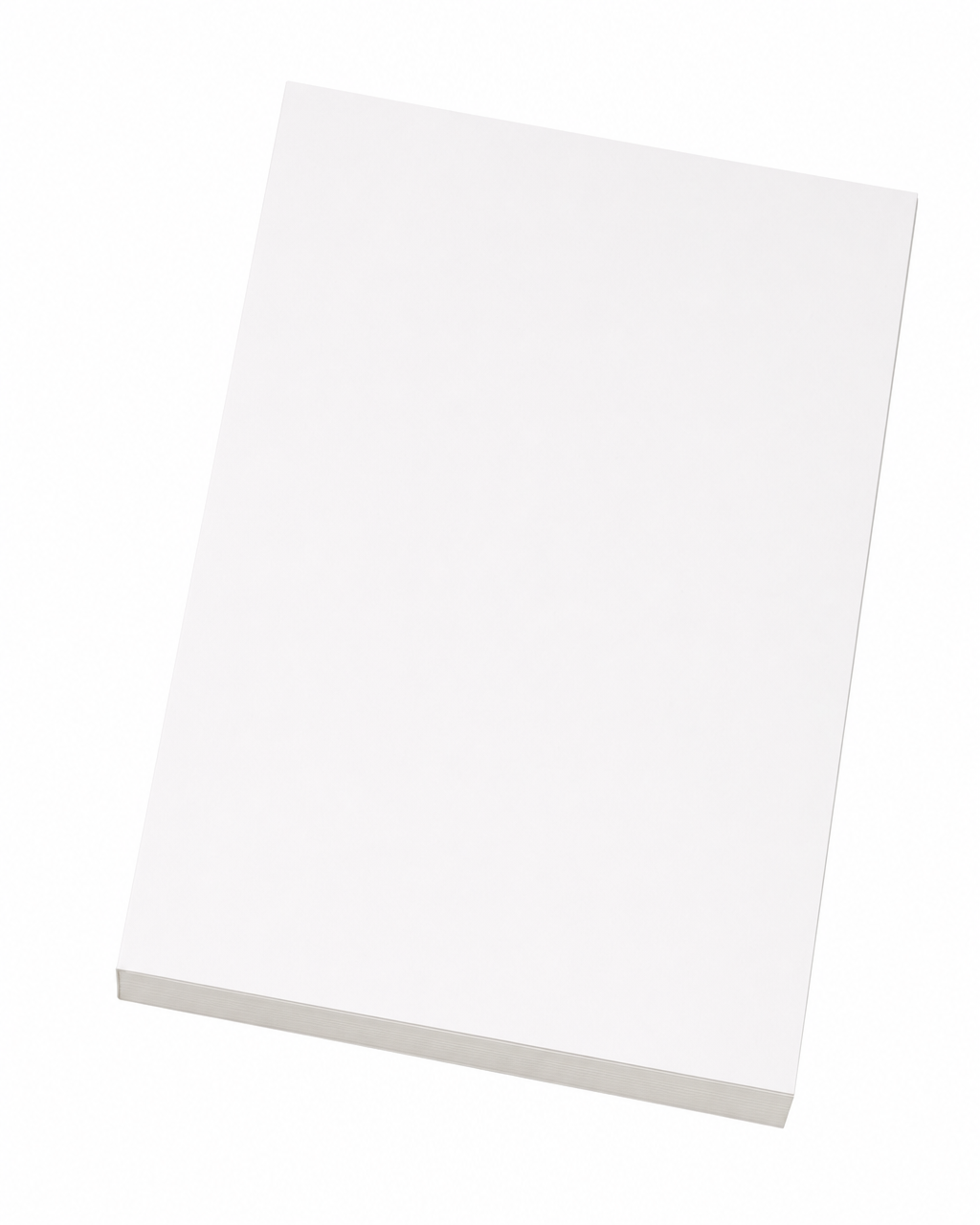
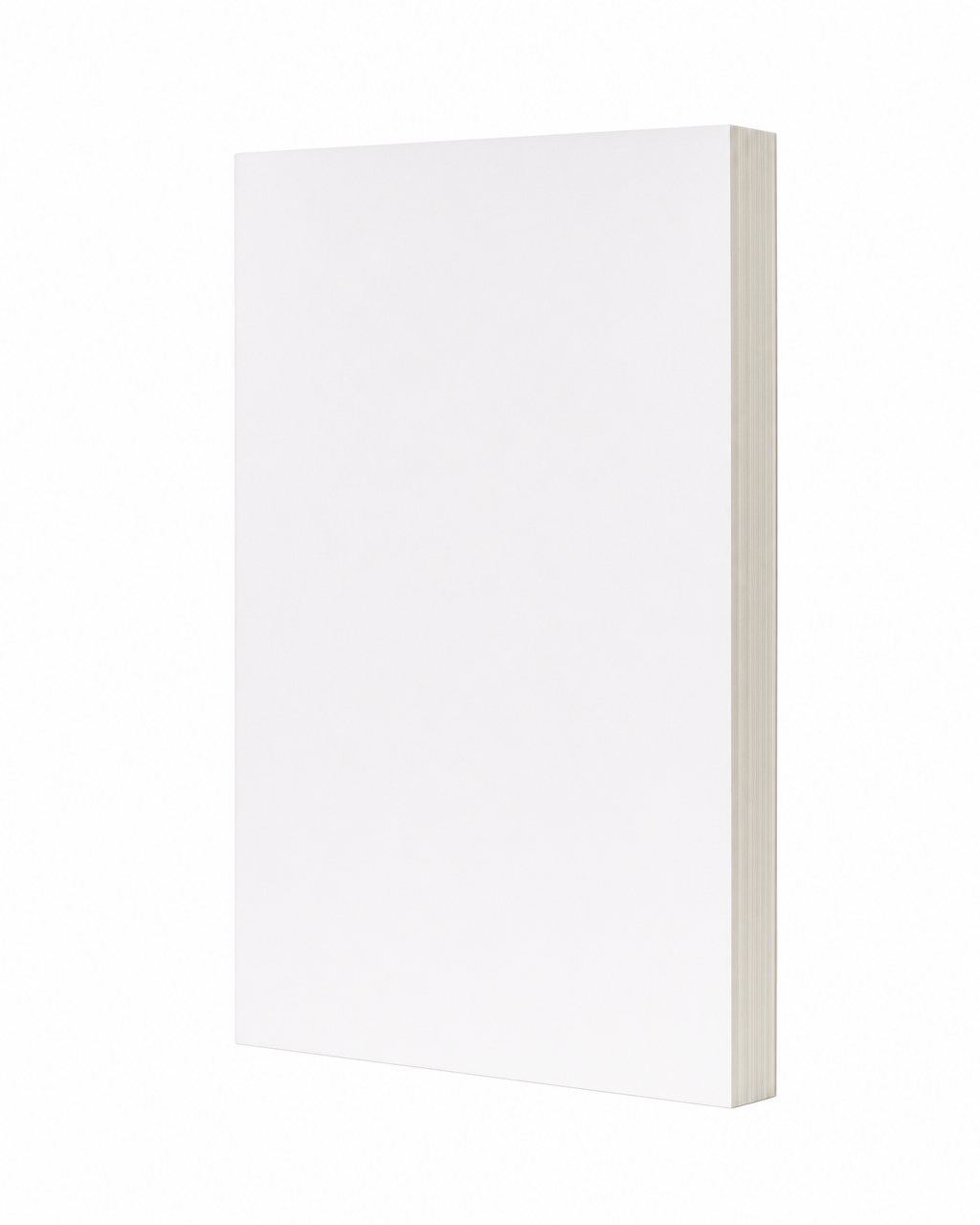
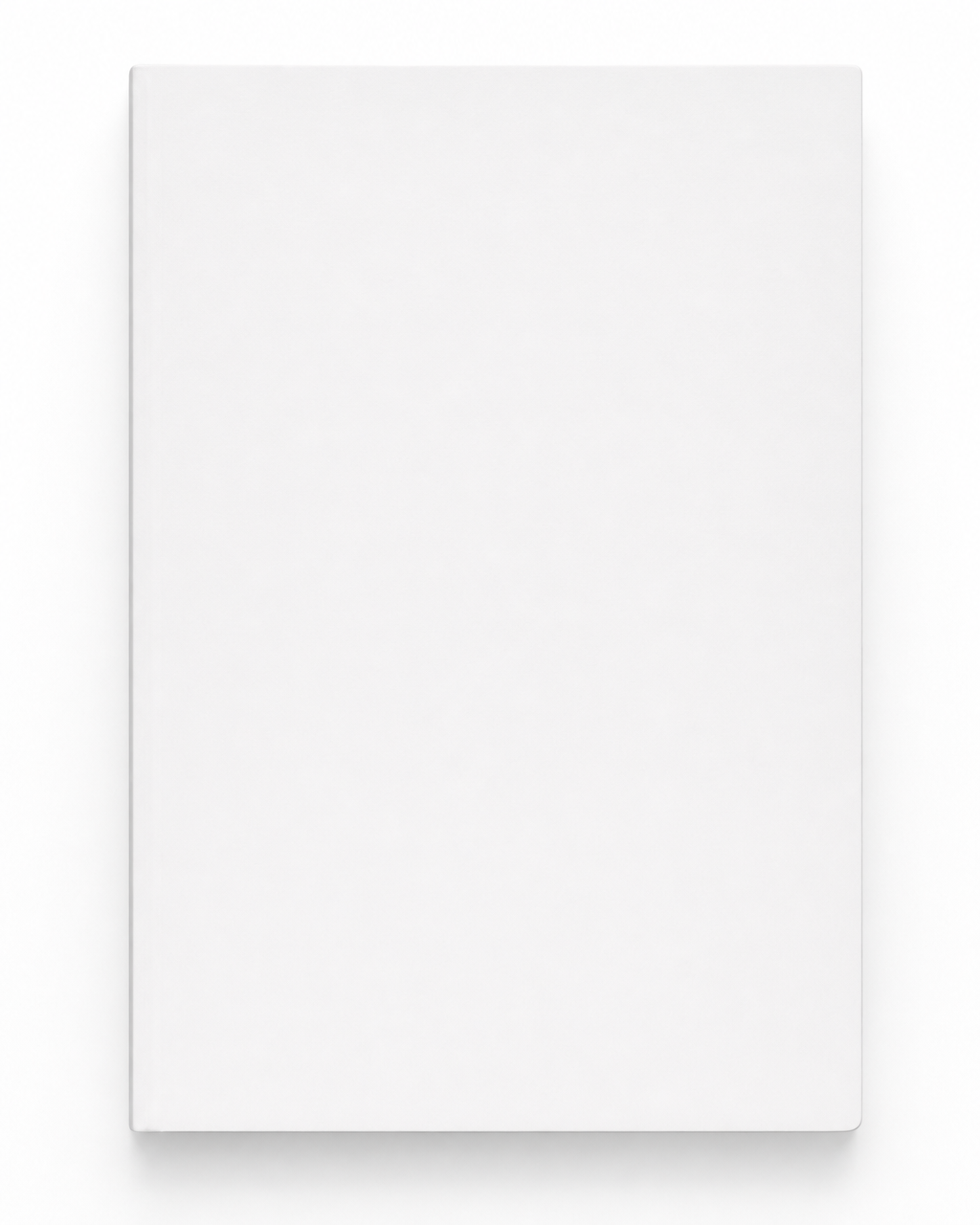
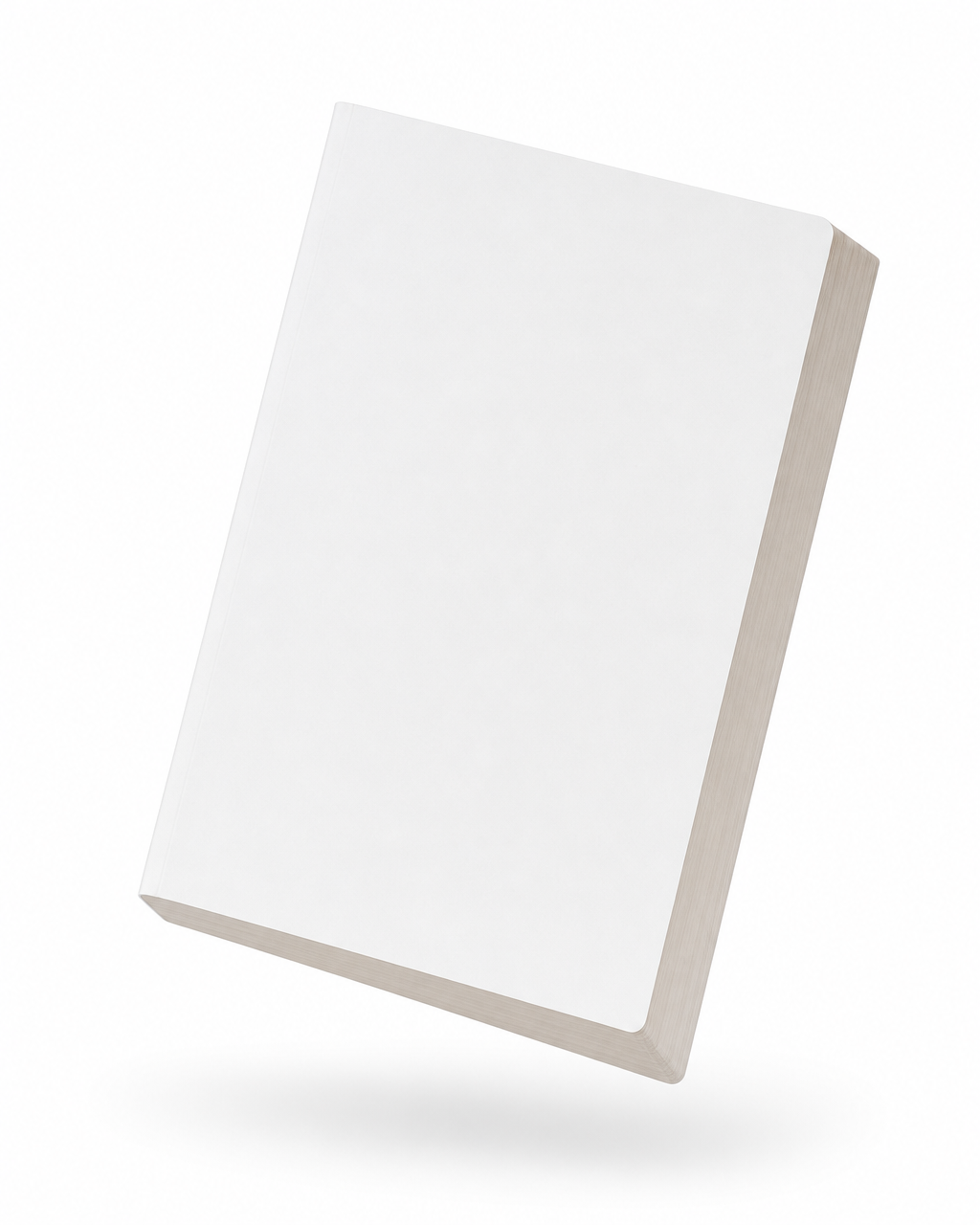
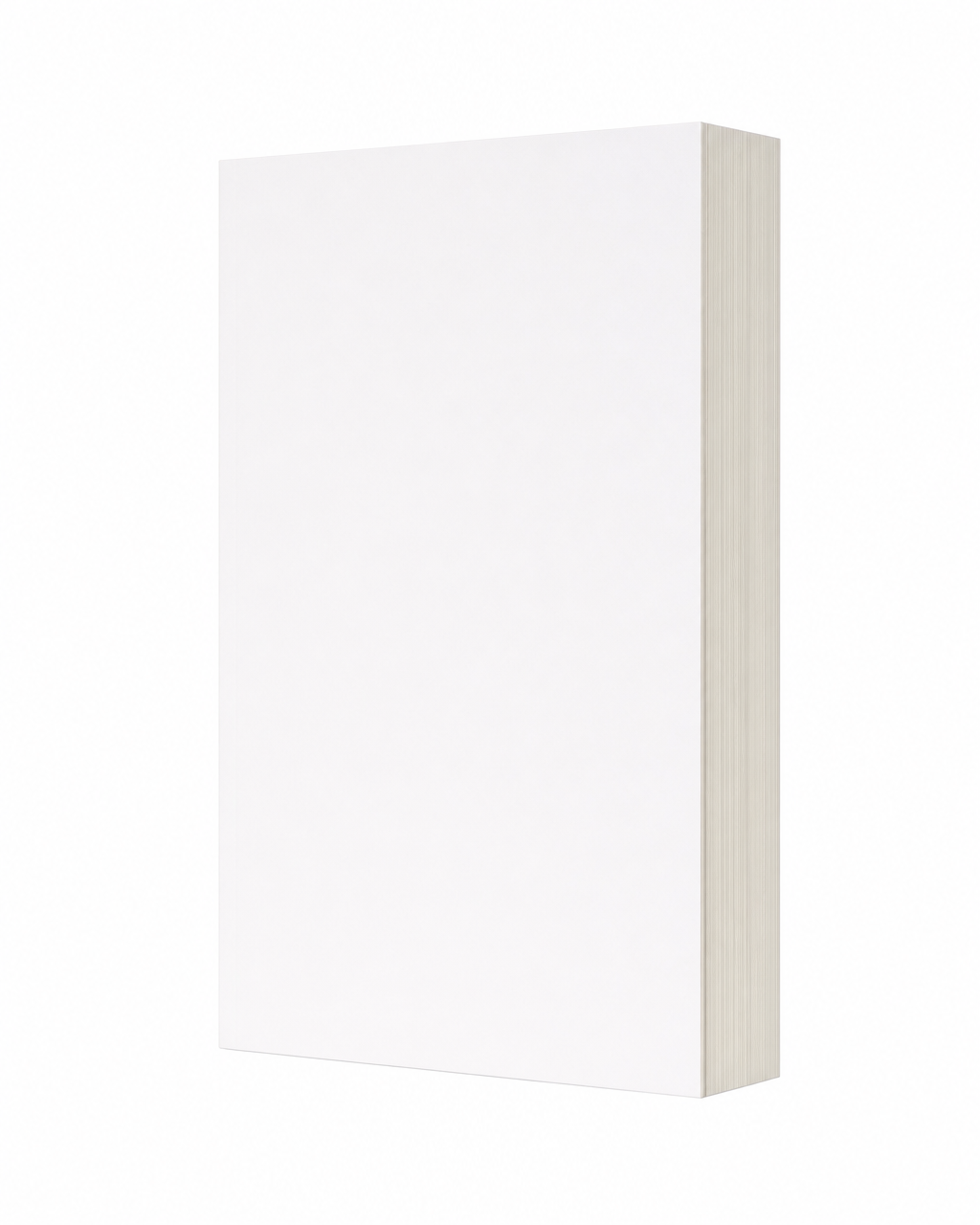
Blank, unbranded books shot at three angles. AI takes the book's shape, lighting, and perspective from these; your cover supplies everything on the surface.
A reference that matches your book's thickness and orientation gives the model less to invent, so it produces more consistent results.
Thin
For novellas, short nonfiction, samples, and other slim books.


Medium
The safest default for most paperbacks and general launch assets.

Thick
For longer novels, chunky nonfiction, workbooks, and omnibus-style books.



The prompts
The exact prompts we use
A complete example: both reference images with their role instructions, then the full prompt we send. This one renders a thin paperback at a three-quarter angle — swap image 2 for a different angle or thickness and keep everything else the same.
The two reference images
Use image 1 as the cover artwork reference. Take the artwork from this image and apply it to the front cover face of the rendered book — reproduce it pixel-faithfully with exact colors, typography, and graphical elements. Preserve every text element on the cover exactly as it appears (wording, font, size, color, layout, and position); do not regenerate, restyle, or relayout any text. This is a flat artwork file — do NOT let it dictate the rendered book's 3D orientation, perspective, depth, or angle. Treat it as the literal cover to apply onto the book's front face.
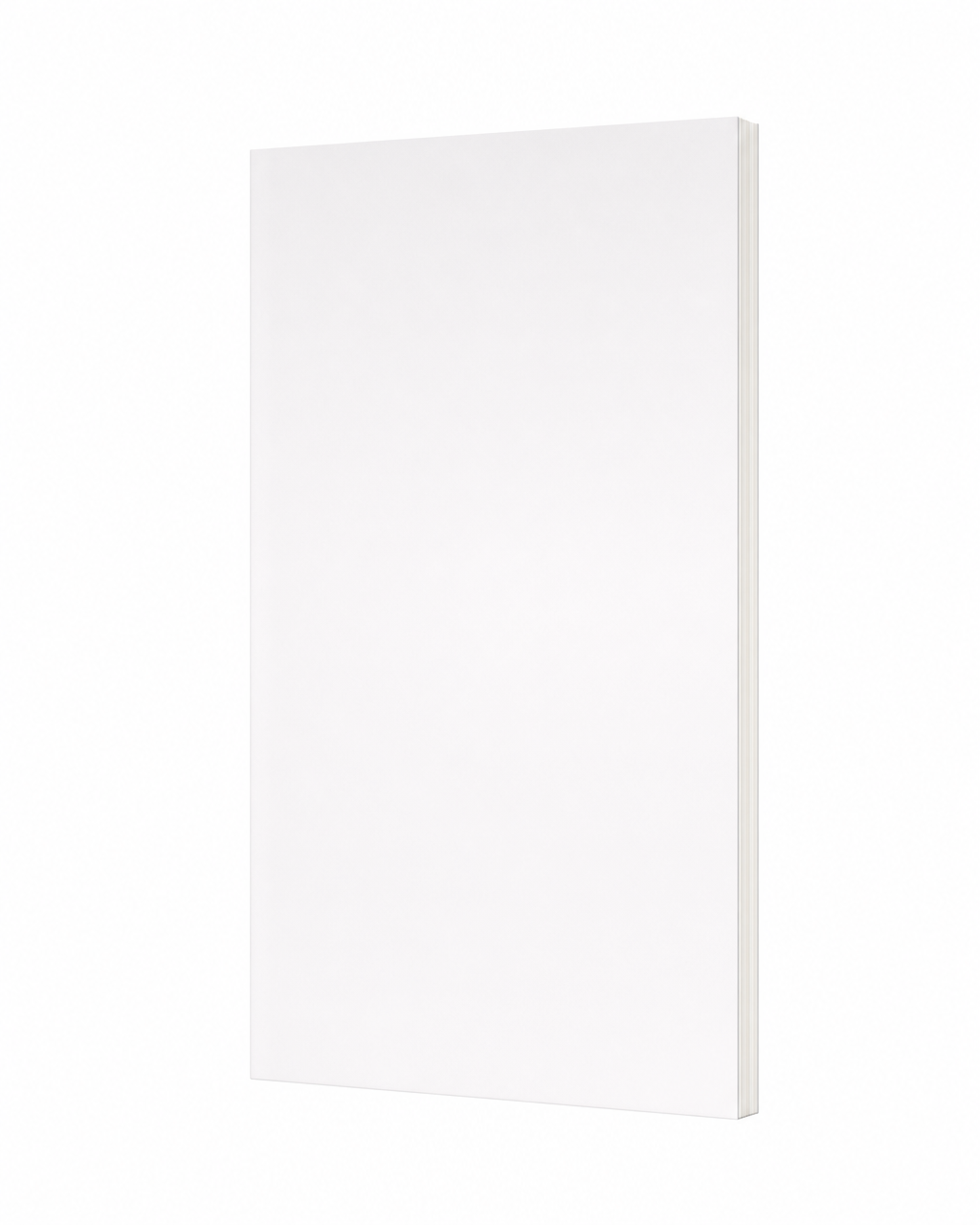
Use image 2 as the book-form reference. Take the identity of the book from this image and apply it to the rendered book — match its orientation, angle, perspective, and physical proportions exactly. The depth shown on the side face is load-bearing: match that depth proportion precisely, even if it looks unusually thin or thick for a book — do NOT normalize toward an average book thickness. The front cover face here is intentionally blank; do NOT copy the blank white cover — the actual artwork is in image 1.
The prompt we send
A thin book — the page-stack reads as a hairline along the depth-side, noticeably thinner than a medium or thick book.

Scene: A single closed softcover book floating mid-air, centered in the frame. The book stands perfectly upright, top and bottom edges horizontal across the frame. The book is rotated thirty degrees around its vertical axis with the front cover face presented toward the right of the camera. The page-edge foredge shows as a vertical stripe along the right side of the book. The spine sits behind the book on the back-left, occluded by the cover.

Lighting: Soft even neutral lighting wrapping uniformly across the book.

Mood: Premium, dynamic, editorial.

Background: Clean white field, perfectly uniform, with no visible room, set, horizon line, wall, floor, props, or studio backdrop. The book floats alone against it with crisp sharp edges all around its silhouette.

Composition: Book centered, occupying roughly fifty-five to sixty-five percent of the vertical height, upright and level. The full front cover face stays unobstructed; the foredge reads as a vertical page-edge stripe on the right.

Camera: Eye-level 50mm camera, lens axis perfectly horizontal at the book's middle. Sharp focus across the book.

Aspect ratio: 4:5.Download
Grab the reference pack
Each bundle has the three blank-book references for that thickness, plus a prompts file with both role instructions and the full prompt for every angle.
Book-marketing tips, backed by creative analytics
The faceless formats and what’s actually working, straight to your inbox. Unsubscribe anytime.